Comparing Monitor Off and Blank Screen
This Document compares Monitor Off with using Blank Screen. Blanking out Screen or doing Monitor Off can have their seperate usages and benefits.
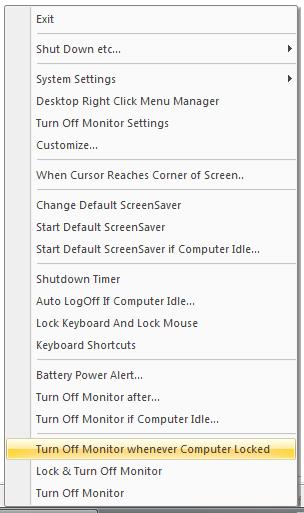
Download Free Trial of the utility to Turn Monitor Off Now
Monitor Off is different than running Blank ScreenSaver
- Download and Launch the Installer.
- During Installation, select the option to create Desktop Shortcut.
- Finish the Installation and launch the application.
- Notice the screen carefully and then move mouse or press some key on keyboard to resume display.
- Now go to ScreenSaver configuration. In Vista you can right click on desktop and select personalize and then navigate to ScreenSaver Settings.
- Locate Blank ScreenSaver and click on Preview. This should blank screen.
- Notice the screen carefully again and notice the difference between display of blank screen by running Blank ScreenSaver and monitor off done by the application.
- In case you do have a Projector Connected to your Computer and you wish to blank it out and prevent access to it untill a configured special key is pressed, you may wish to try out our Blank Screen Software Utility.
Monitor Off
Monitor Off, Standby, Computer Shutdown, Energy Saving and more.